
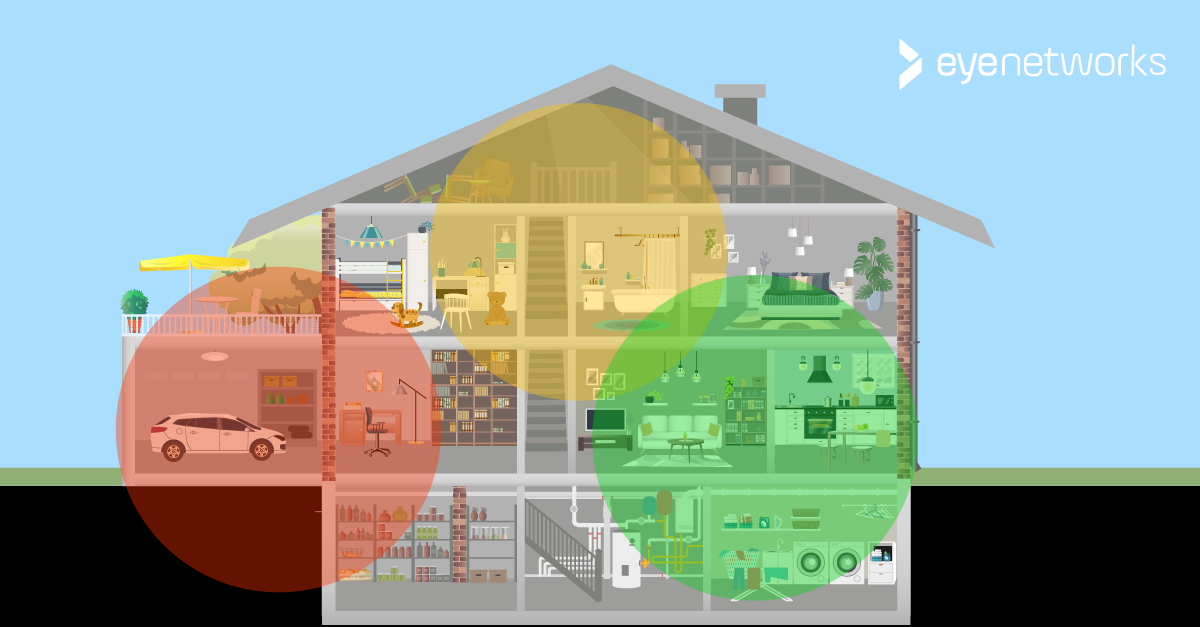
The most common problems that can occur with mesh wifi and what you can do about them.
This is general advice, it does not apply to any particular wifi solution or provider.
First of all: Do you have multiple wifi networks?
Once you have installed a mesh network, remember to disconnect any old wifi repeaters, additional routers, and so on. If your router/gateway is not set up to be an active part of the mesh network, you should also turn off the wifi function on the router.
When you remove old equipment and turn off wifi in your router, you achieve two things:
- You cut down on wireless interference/noise that can weaken your wifi network.
- You prevent clients from connecting to the wrong network and not benefiting from the new mesh wifi.
If you don’t know how to turn off wifi on your router/gateway, your internet provider can probably help you with this.
Unstable network connection, uneven or poor performance, roaming issues
If you have installed mesh wifi and the network is slow and/or unstable, there is most likely a problem with the placement of the nodes.
- The most common problem is that the nodes do not have sufficiently good coverage from each other
- The distance is too long.
- There are obstacles in the way.
- They are placed too close to each other (no, this is actually not good either)
Change the location of the nodes if there is room for it–remember to measure the signal strength along the way! If your wifi provider has an app that can check coverage, use it to ensure quality.
If there are signs that the signals are being stopped, adjust the placement of nodes near the obstacles so that the signals can reach around.
Dead zones and weak signals
If you still have areas in your home where you get very weak or no wifi signals, adjusting the location may not be enough.
For example: If the signals are weak at the edge of your home and you need better wifi there, placing the nodes further apart and expanding the coverage area may be sufficient, but that goes only if the nodes still have good coverage from each other. If not, you will need to extend the network by adding one or more new nodes.
The vast majority of mesh systems are designed to be easy to extend as needed.
Some clients cannot connect to the network
This typically applies to certain:
- Smart home products that do not support the 5 GHz band
- Products manufactured for geographical markets/regions other than your own
- Products that do not support the latest wifi encryption standards
You can find advice on this here:
If you’re an eero user, this is the article you want: Trådløs enhet vil ikke koble til eero wifi
This guide is part of the All About Mesh series:
- What Is Mesh Wifi?
- Do You Need Mesh Wifi At Home?
- How Many Mesh Nodes Do You Need?
- How To Place Mesh Nodes For Optimal Wifi
- Mesh Wifi Issues: Tweaks And Troubleshooting