
Give customers the best wifi experience on the market, get what you need as an ISP to operate and develop your services–and get started right away. Don’t ruin great broadband with “good enough” wifi!
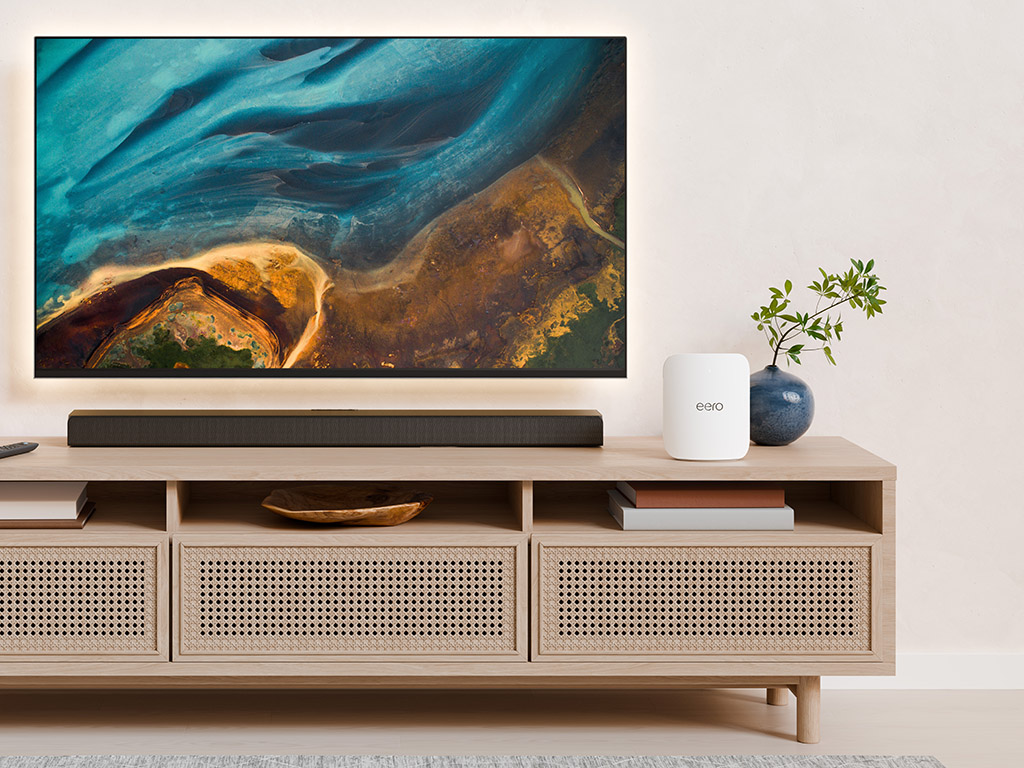
Eye Networks is the Nordic distributor for eero for Service Providers, the wifi and smart home solution that combines what the end user wants with what you need as an internet provider.
This is eero for Service Providers
- eero devices: The best looking wifi on the market! Sleek, efficient devices with TrueMesh that scales almost indefinitely and has built-in support for smart home devices.
- eero Insight
Analytics and management tools for operations, support and service development - eero mobile app
The app ties it all together and simplifies everyday life for both end users and professional installers. - eero Secure og eero Plus: Services that make the user experience safer and better.
Measurable Results

Troubleshooting time per request reduced from 30 to 20 minutes.

50% fewer support requests after eero! 95% first call resolution rate.

Find the 18% (on average) of customers who overuse bandwidth and need a better subscription.
Talk eero To Us
Finland and Sweden
Eye Networks OY
Mikko Kivilinna, Regional Sales Manager
+358 40 809 3020
Consumers
Norwegians who do not have an eero offer from their broadband provider can order directly from us via dinwifi.no.
eero User Guides
-
eero Simple Setup for Professional Installers
Once the first eero device is installed in a home, you…
-

Run A Network Health Check With eero
Does your connection keep dropping out, is your network slow or…
-
How To Update eero With New Firmware
All eero devices receive regular firmware updates with new features, security…
-
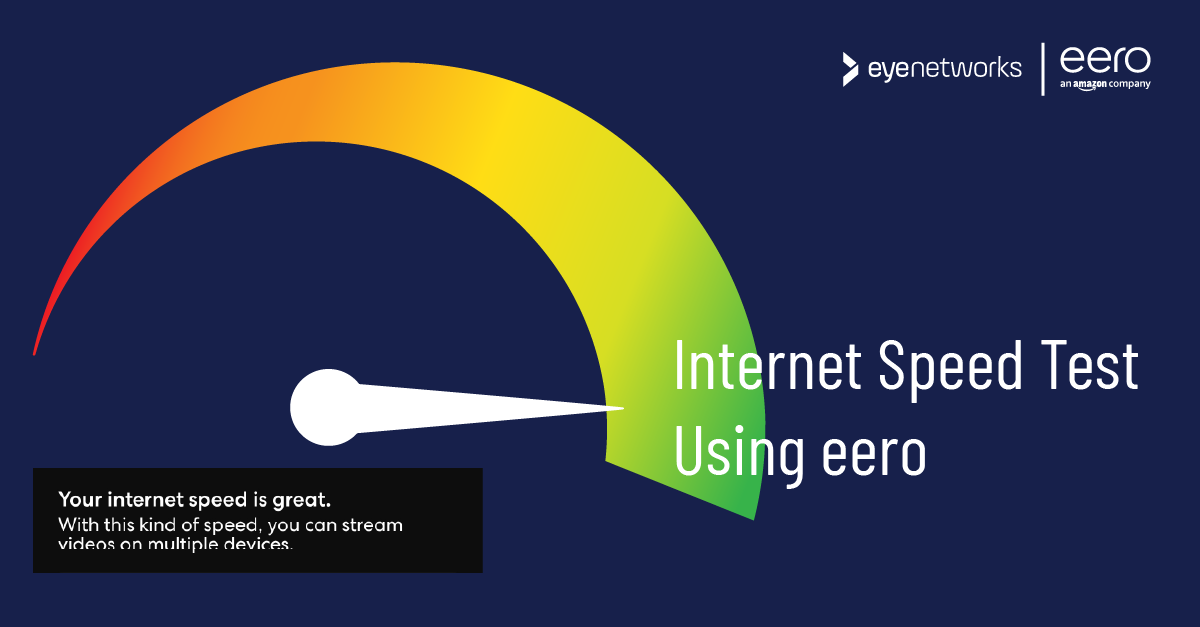
Test Your Internet Speed Using eero
eero comes with a built-in speed test that runs automatically every…
-
Reset eero To Factory Settings
Here’s how to find eero’s Reset button and fully or partially…
-
Restart eero wifi
In some situations you may need to restart an eero device…
-
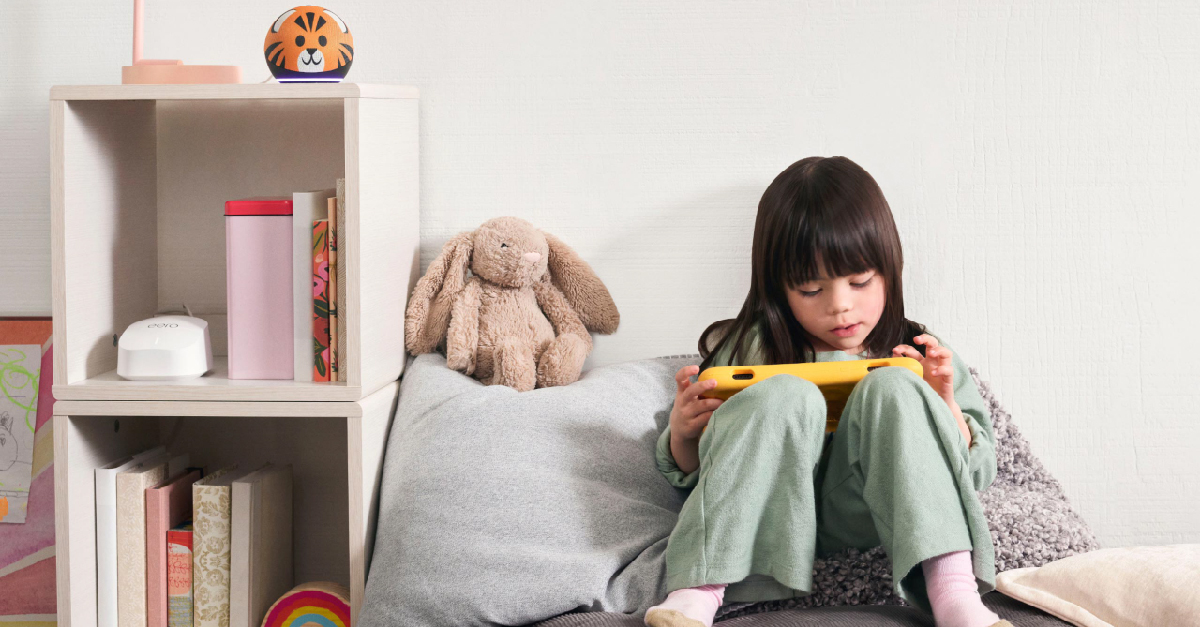
Set Up Parental Controls With eero Secure
eero provides you with flexible wifi parental control features. Here are…
-
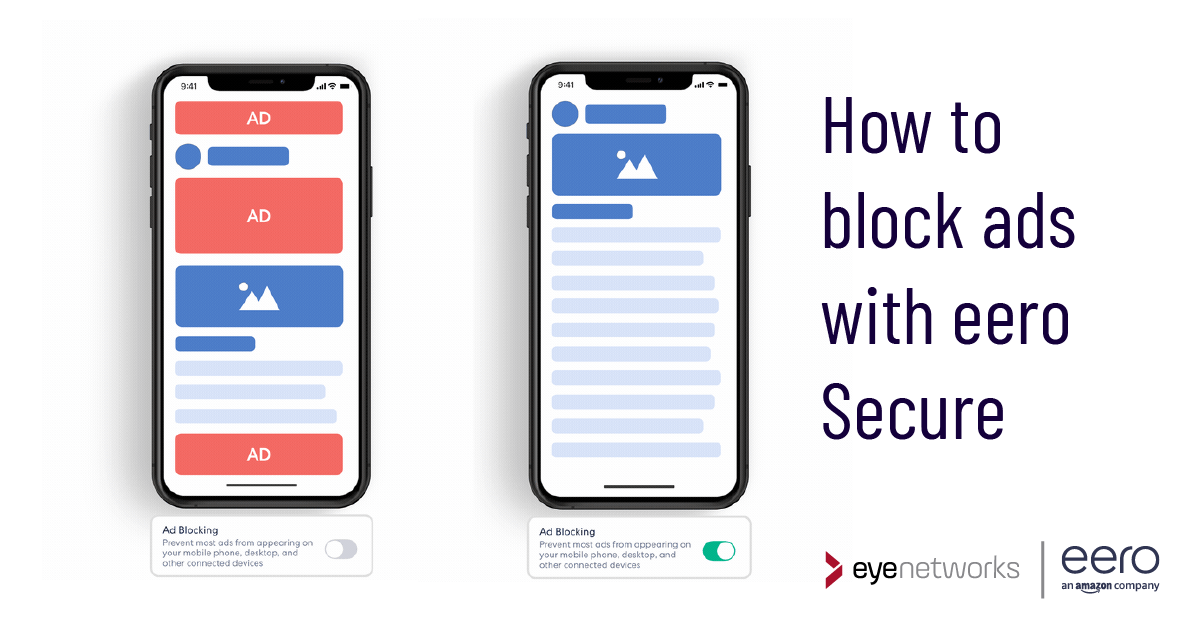
Block Ads with eero Secure
You can block a large number of ads at the network…
-
Stay Online With eero Internet Backup
eero Internet Backup keeps you connected even if your regular internet…
-
Problems Logging Into the eero App
Are you having problems logging into eero’s mobile app? These are…
-
Adding More Administrators To An eero Wifi Network
Do you have eero wifi and would like for more people…
-
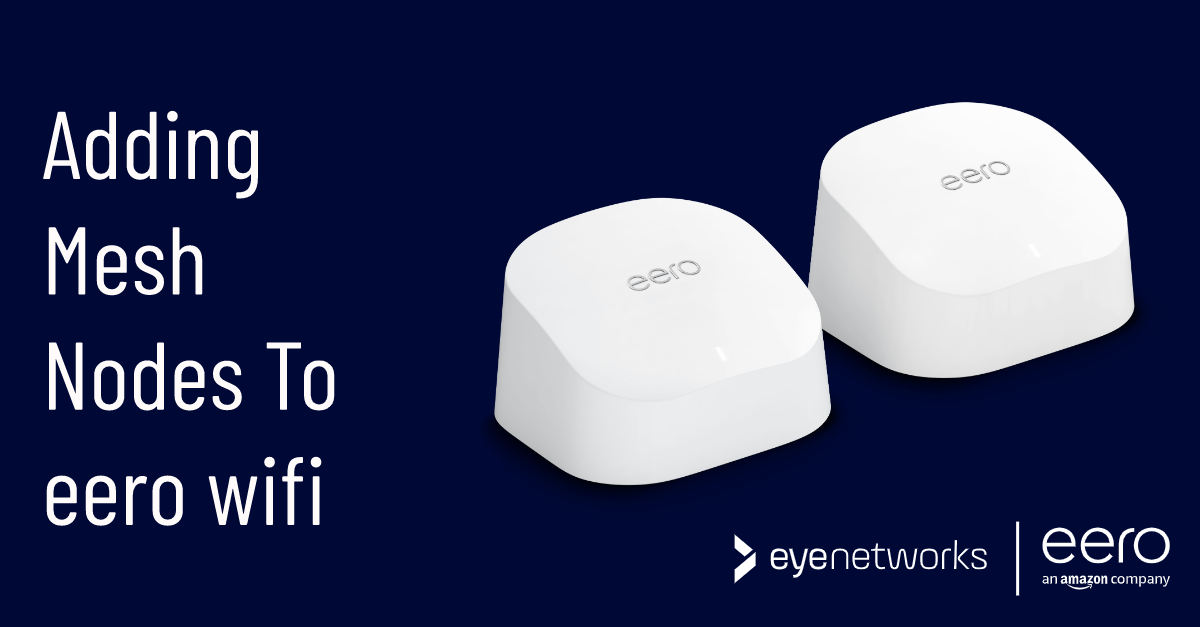
Setting up or extending an eero wifi mesh network
Both eero 6, eero Pro 6 and eero Max 7 can…
-
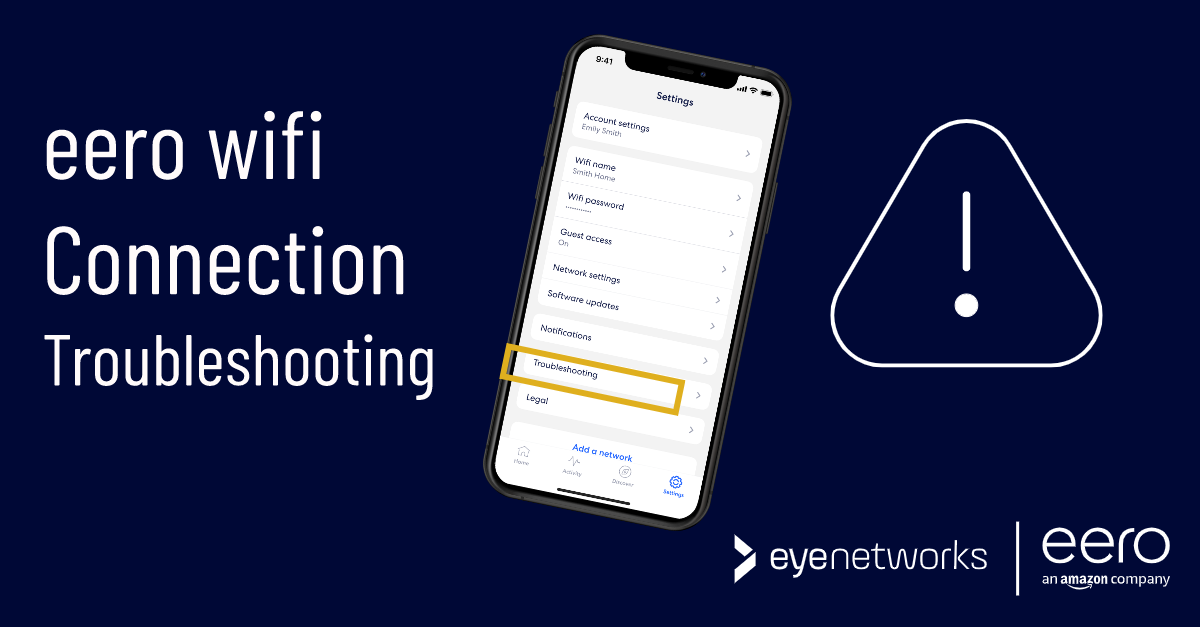
Wireless Device Not Connecting To eero Wifi
Do you have a wireless device – PC, mobile, robotic vacuum…
-
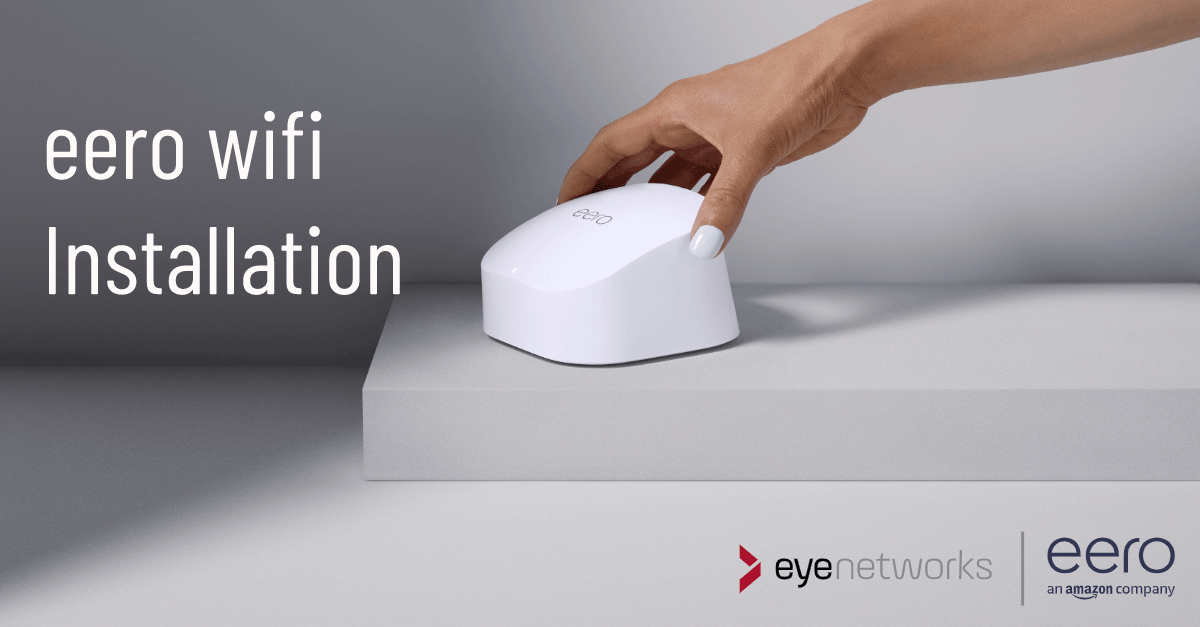
Installing eero Wifi
How to install eero wifi at home with eero devices from…
eero and all related marks are trademarks of Amazon.com, Inc. or its affiliates. Amazon.com c/o eero LLC, 660 3rd St. San Francisco, CA.